
 Official BytePlus partnerBytePlus, a ByteDance company
Free online video editor
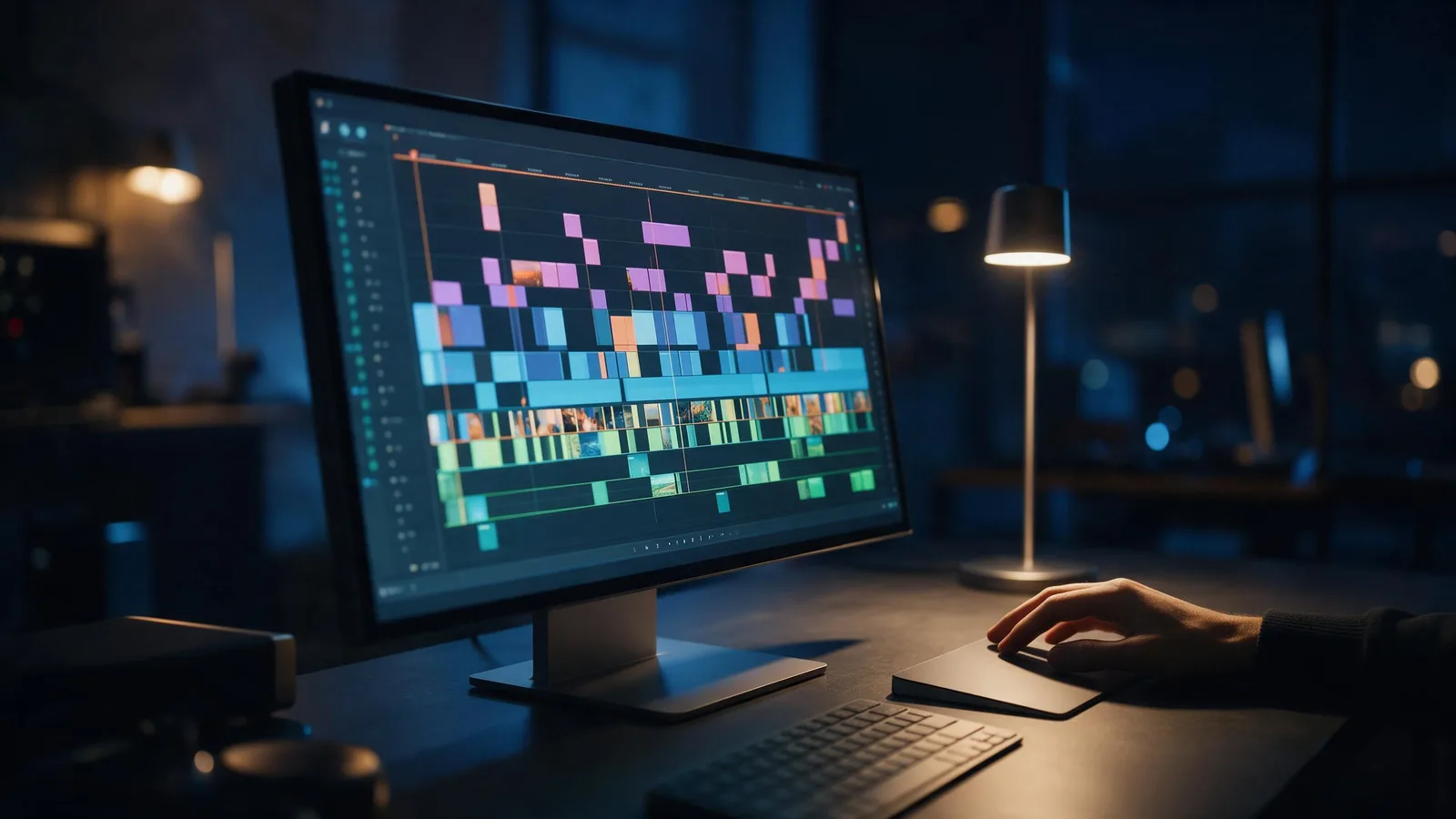
Edit video in your browser on a multi-track timeline: cut, trim, layer, add transitions, effects, filters, text and captions, then export for TikTok, Reels or YouTube. Free with a KreatorFlow account, built on BytePlus, a ByteDance company.
- Free account
- No download
- Exports up to 4K
- AI video in the same edit
On a phone? The editor opens on a computer or tablet. You can sign up now and edit there later. Or edit a clip with a prompt on your phone
Last updated
On this page
What can you do in the editor?
Multi-track timeline
Stack video, images, audio and text on multiple tracks. Split, duplicate, trim and undo with the shortcuts you know.
Transitions, effects and filters
Drop a transition between two clips, add an effect or grade the whole edit with a filter from the library.
Text and captions
Add titles in 46 fonts, turn speech into captions automatically, or import an SRT or VTT file.
Clip animations
Give any clip an entrance, an exit or a loop animation.
Any shape
Start in 9:16 or 16:9 and switch later; export as 9:16, 16:9, 1:1, 4:5, 4:3.
Generate without leaving
Make a Seedance video, a Seedream image, a voiceover or a sound effect in the Generate panel and drop it straight onto the timeline.
Rather not edit by hand? With vibe editing you describe the video and Kiryu, the KreatorFlow AI video agent, writes, generates, cuts and captions it. Before you post, the YouTube Shorts analyzer or the TikTok video analyzer watches your finished edit and tells you what to fix.
What do you want to do?
What is free, and what do plans add?
Editing is free for everyone, with every tool. What a plan changes is the export.
| Plan | Exports | Up to | Watermark |
|---|---|---|---|
| Free | 5 exports a month, up to 1 min each | 1080p | Small "Made on KreatorFlow.ai" mark |
| Creator | 60 export minutes a month, up to 10 min each | 2K | None |
| Pro | Unlimited exports, up to 30 min each | 4K | None |
| Max | Unlimited exports, up to 60 min each | 4K | None |
Free accounts can try every font and animation while editing; 10 fonts export on the free plan and the rest export on a paid plan. Exports land in your library, ready to download or post. See plans and prices, or how to earn free credits for AI clips.
How do you edit a video online for free?
- 1
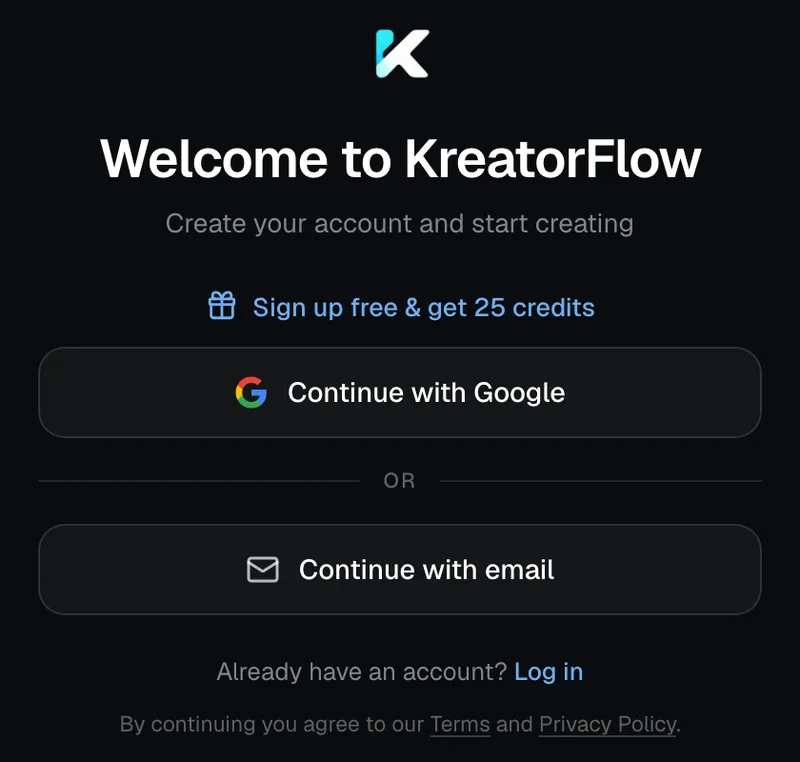
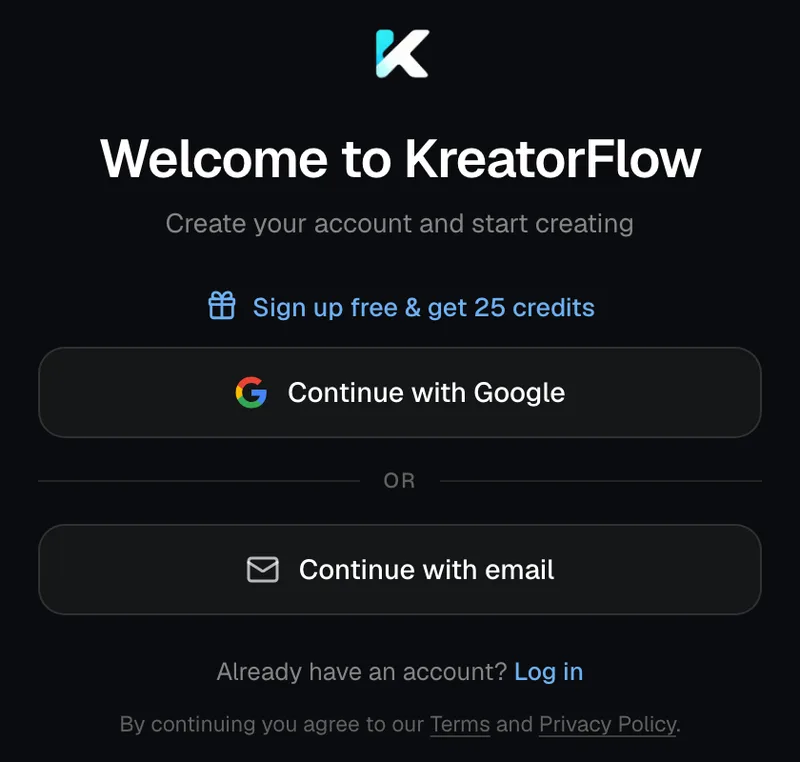
Create a free account
Sign up with email or Google. No card needed to edit.
Screenshot of kreatorflow.ai, 2026-10-25 - 2
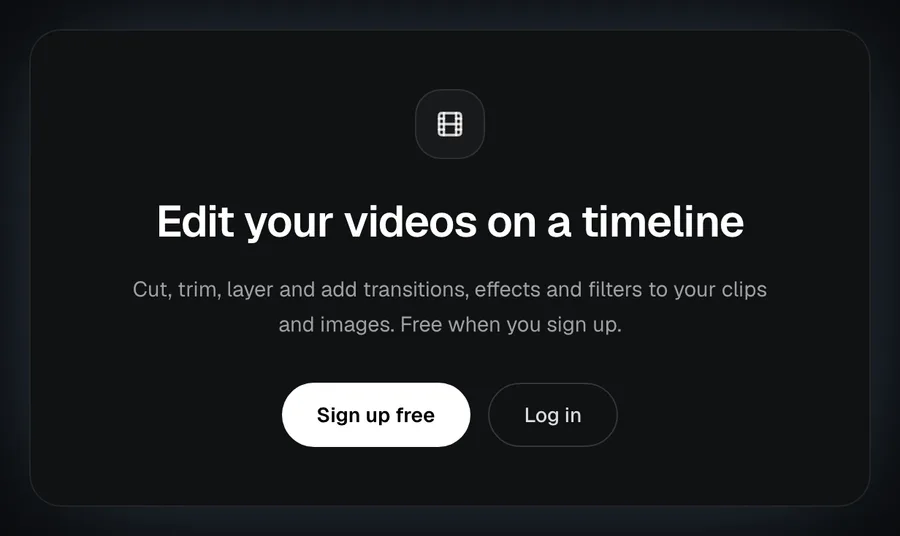
Open the editor and import your clips
Upload videos, images and audio from your computer, pick them from your KreatorFlow library, or generate new ones in the Generate panel.
Screenshot of kreatorflow.ai, 2026-10-25 - 3
Edit on the timeline
Trim, split and layer clips, add transitions, effects, filters, text and captions, and pick the shape.
- 4
Export
Choose the shape, quality and frame rate. What your plan exports is shown in the pricing table, and the finished video lands in your library.

Screenshot of kreatorflow.ai, 2026-10-25


Questions other free editor pages skip
What people ask after the first export: what counts, file sizes, long edits, paid fonts, the file you get and what happens past your minutes.
What counts as one of the free exports, and when do they come back?
Each export that starts counts once, whatever its length, up to 5 a month. An export that fails does not count, so a failed render never uses one up. The count starts again at the beginning of each calendar month, and editing itself is never counted.
Can I upload clips from my computer, and how big can they be?
Yes. Drop files onto the editor or pick them from your computer; they are saved to your library first, so you can reuse them later. Videos can be up to 200 MB (MP4, WebM or MOV), images up to 50 MB and audio up to 15 MB (MP3, WAV, AAC, M4A or OGG). Anything you made in the KreatorFlow studio is already in the library.
What happens if my edit is longer than my plan exports?
The export stops before it starts and tells you the plan's limit and your edit's length; nothing is used up and the edit stays as it is. The longest single export is 1 minute on the free plan, 10 minutes on Creator, 30 minutes on Pro and 60 minutes on Max. Trim the edit or split it into parts.
Can I use the Pro fonts and animations on a free account?
You can try every font and animation while you edit. When you export on the free plan, the editor lists any paid fonts or animations in the video and asks you to swap them out or upgrade, so you see the problem before anything renders. Paid plans export them all.
What file do I get, and where does it go?
An MP4 that is saved to your library, ready to download or post. In the export window you pick the shape (9:16, 16:9, 1:1, 4:5 and 4:3, or the edit's own), the quality (720p, 1080p, 2K and 4K, up to what your plan allows) and 24, 30 and 60 fps, and whether a different shape gets bars or is cropped to fill.
What happens after Creator's export minutes, or past fair use on Pro and Max?
Exports keep working. Past the 60 included minutes on Creator, or the fair-use line on Pro (20 hours) and Max (40 hours), each export uses 1 credit per started minute over the allowance, and a 4K minute counts double. The editor shows the credits first, and they come back if the export fails. Free accounts never pay credits for exports.
Free video editor questions
Is the KreatorFlow video editor really free?
Yes. Editing is free with a KreatorFlow account, with every tool, font and effect. A free account exports 5 videos a month, up to 1 min each, at 1080p, with a small "Made on KreatorFlow.ai" mark. Paid plans remove the mark and export longer and sharper.
Do I need to download anything?
No. The editor runs in your browser, and your edits save to your account as you work.
Can I export in 4K?
Yes, on Pro and Max (up to 4K). Creator exports up to 2K, and free accounts export at 1080p. Every export can be 9:16, 16:9, 1:1, 4:5, 4:3 at 24, 30, 60 fps.
Does it add captions automatically?
Yes. Auto captions turn speech into styled caption clips. Free accounts get 3 tries a month on clips up to 60 seconds; on paid plans they use 1 credit per started minute. Importing your own SRT or VTT file is free.
Can I make clips with AI inside the editor?
Yes. The Generate panel makes Seedance videos, Seedream images, voiceovers and sound effects and drops them into your media. Generations use credits from your plan.
Does it work on a phone?
Not on a phone. The editor works on a computer or a tablet (screens 768 pixels wide and up); a phone shows "Edit on a bigger screen" instead. Your edits are saved to your account, so you can make clips in the studio on your phone and edit them later on a bigger screen.
Who makes the editor?
KreatorFlow, an independent company. The editor is built on BytePlus, a ByteDance company, and KreatorFlow is an official partner of BytePlus, a ByteDance company.
Edit your next video free
Open the editor, import your clips and export in minutes.
On a phone? The editor opens on a computer or tablet. You can sign up now and edit there later. Or edit a clip with a prompt on your phone