

Try this in the studio
Made with this guide
A new clip generated from this guide's prompt, unedited.
Prompt
A matte black wireless speaker on a wet slate surface, water droplets beading on top. Slow orbit around the speaker, soft rim light from behind, dark studio background, macro detail.
How to write the prompt
- 1
Start with the subject
Say exactly who or what is on screen: "a young chef in a white jacket", not "a person". Specific nouns and one or two visual details give the model something to hold on to.
- 2
Give one clear action
Describe a single continuous action that fits the clip length. In 4 to 15 seconds one beat reads well: she plates the noodles and looks up. Three actions in one clip usually blur together.
- 3
Set the scene and light
Name the place, the time of day and the light: "a narrow ramen shop at night, warm tungsten light, steam in the air". Light is the fastest way to change the mood.
- 4
Direct the camera
Use film terms the model knows: slow dolly in, orbit around the subject, crane down, low-angle tracking shot, handheld, static wide shot. Say how fast it moves and where it ends.
- 5
Add style and references last
Finish with the look ("35mm film, shallow depth of field") and attach references for anything that must match: up to 9 images, 3 video clips and 3 audio clips per generation.
Example prompts you can adapt
Each one is a single shot with a subject, an action, a setting and a camera move. Copy one, swap in your subject and keep the structure.
Product
A matte black wireless speaker on a wet slate surface, water droplets beading on top. Slow orbit around the speaker, soft rim light from behind, dark studio background, macro detail.
Character
An old fisherman in a yellow raincoat pulls a net onto a small wooden boat at dawn. Handheld camera at deck level, grey sea, light rain, muted colours.
Reveal
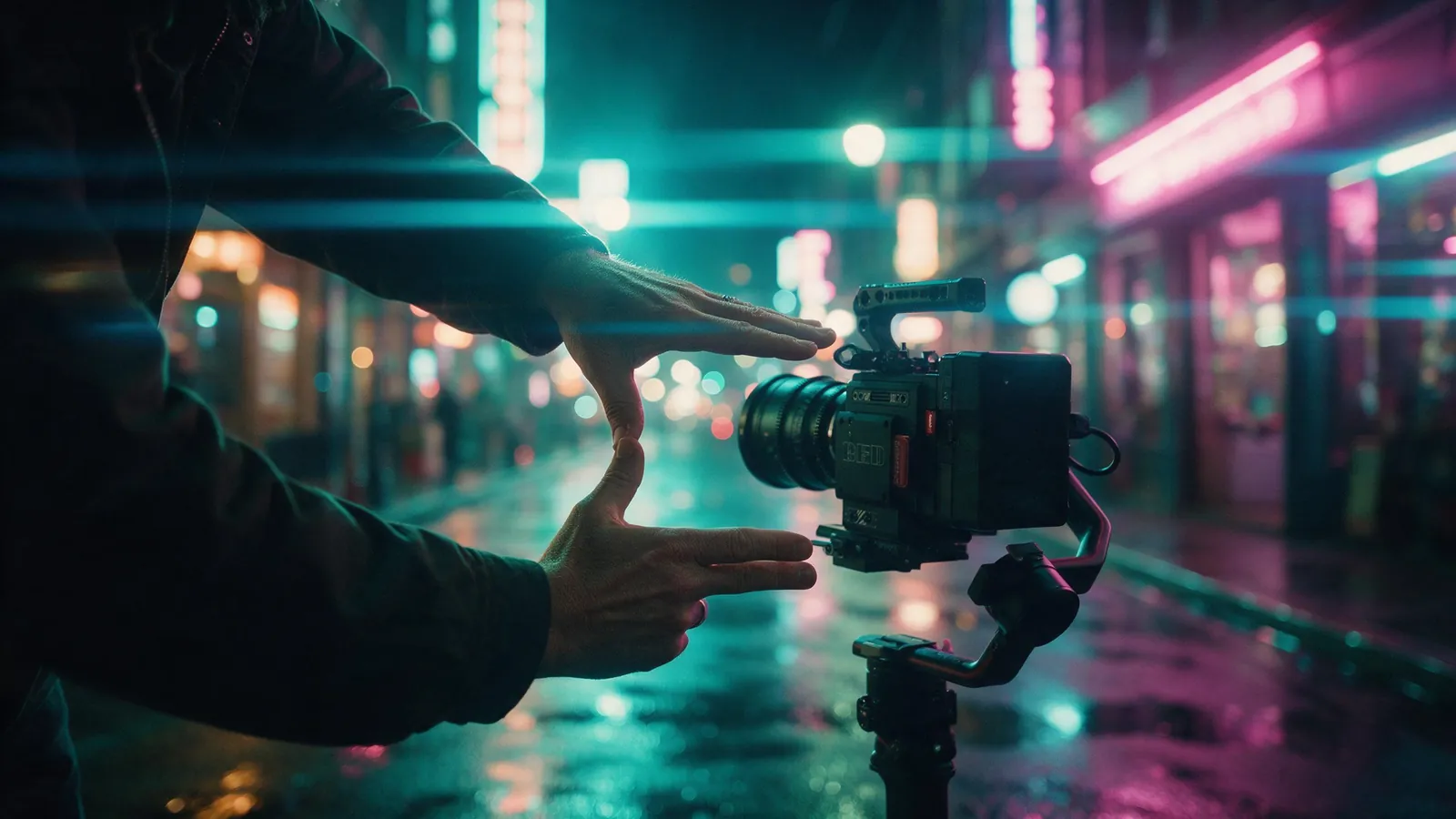
Low-angle tracking shot along a neon-lit alley at night that rises to reveal a rooftop billboard. Wet pavement reflections, cyberpunk mood, steady gimbal movement.
Mood
A girl on a swing in a sunflower field at golden hour, hair moving in the wind. Slow push in from a wide shot to a medium shot, warm backlight, soft lens flare.
Food
Close-up of a chef's hands pouring glossy dark sauce over a stack of pancakes, butter melting on top, steam rising. Static macro shot, shallow depth of field, warm morning window light, wooden table.
Fashion
A model in an oversized cream trench coat walks towards the camera down an empty concrete car park, coat moving with each step. Slow tracking shot backwards at chest height, hard overhead fluorescent light, cool desaturated colours, 35mm film look.
Real estate
A bright Scandinavian living room with white oak floors, a grey sofa and tall windows onto a garden. Smooth gimbal shot gliding forward from the doorway towards the windows, soft afternoon daylight, clean and airy.
Action
A mountain biker drops off a rocky ledge on a forest trail, dust kicking up as the tyres land. Low-angle tracking shot from the side, fast and smooth, dappled sunlight through pine trees, high contrast.
Nature
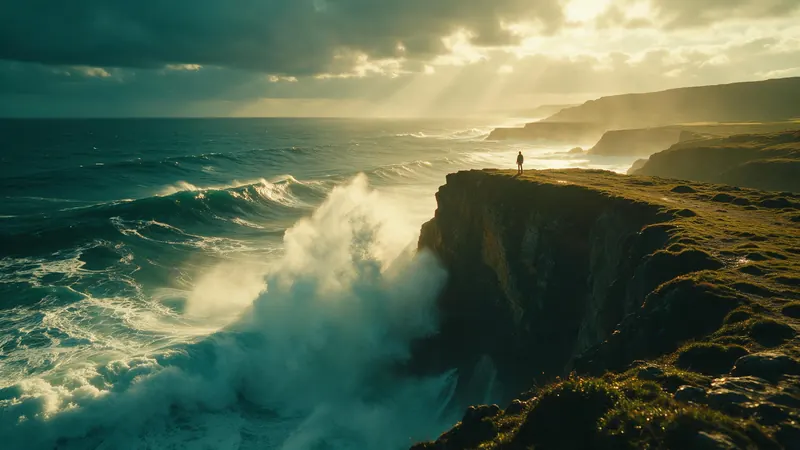
Waves roll onto a black-sand beach under a stormy sky, a lone sea stack in the distance. Slow crane up from the wet sand to a wide view of the coast, moody blue-grey light, cinematic.
Talking shot
A young woman in a denim jacket sits on the steps of a brownstone and says to the camera, "Honestly, I didn't expect it to be this easy." Medium close-up, static camera at eye level, soft overcast daylight, city street sounds in the background.
Camera moves Seedance 2.0 understands
Plain film language works best. Name one move per clip and say how fast it is.
| Camera move | What it looks like | Use it for |
|---|---|---|
| Dolly in / push in | The camera moves straight towards the subject | Building tension, drawing attention to a face or product |
| Dolly out / pull back | The camera moves straight away from the subject | Reveals, endings, showing where the subject is |
| Orbit / arc | The camera circles around the subject | Products, hero shots of a character |
| Tracking shot | The camera travels alongside or behind a moving subject | Walking, running, driving, sports |
| Crane up / crane down | The camera rises or descends vertically | Opening a scene, sky reveals, landing on a subject |
| Pan left / right | The camera turns on the spot, side to side | Following action, scanning a landscape |
| Tilt up / down | The camera turns on the spot, up or down | Revealing a tall building or a person head to toe |
| Handheld | Small natural shakes, like a person holding the camera | Documentary, UGC, realism |
| Static shot | The camera does not move | Talking shots, food, anything where the action is the point |
| FPV / drone | Fast flying camera that dives and banks | Energetic aerials, fly-throughs |
| Dolly zoom | The background stretches while the subject stays the same size | Shock, realisation, vertigo moments |
Seedance price per second on KreatorFlow
Seedance 2.0 and 2.5 at 720p and above: price per second on each plan (monthly and annual), credits per 5-second clip, and clips per plan.
| Model · resolution | Credits | Per second | USD per second (monthly) | USD per second (annual) | Creator · 525 credits/mo | Pro · 1,050 credits/mo | Max · 2,500 credits/mo | Business (2 seats) · 4,500 credits/mo |
|---|---|---|---|---|---|---|---|---|
| Seedance 2.0 · 720p | 15/5s | 3/s | $0.119–0.145/s | $0.099–0.121/s | 35 | 70 | 166 | 300 |
| Seedance 2.0 · 1080p | 30/5s | 6/s | $0.238–0.289/s | $0.198–0.241/s | 17 | 35 | 83 | 150 |
| Seedance 2.0 · 4K | 70/5s | 14/s | $0.554–0.675/s | $0.462–0.563/s | Pro and up | 15 | 35 | 64 |
| Seedance 2.5 · 720p | 24/5s | 4.8/s | $0.190–0.231/s | $0.158–0.193/s | 21 | 43 | 104 | 187 |
| Seedance 2.5 · 1080p | 50/5s | 10/s | $0.396–0.482/s | $0.330–0.402/s | 10 | 21 | 50 | 90 |
| Seedance 2.5 · 4K | 120/5s | 24/s | $0.950–1.157/s | $0.792–0.964/s | Pro and up | 8 | 20 | 37 |
Seedance 2.0 and 2.5, 720p and above. Plan columns: 5-second clips a month on the plan's full monthly credits. Longer clips cost the same per second, so a 10-second clip uses twice the credits. Generated audio is included. USD per second: each plan's price over its full monthly credits, lowest to highest plan; monthly is the regular monthly price, annual is the yearly price divided by 12.
The anatomy of a Seedance 2.0 prompt
Seedance 2.0 reads a prompt best when it describes one shot the way a director would brief a camera crew: what is in front of the lens, what happens, where it happens, how the camera behaves and what the image should look like. Writing in that order keeps the important parts at the start, where they carry the most weight.
Here is how a weak prompt turns into a strong one. "A coffee commercial" gives the model almost nothing to work with. "A barista pours latte art" adds a subject and an action. "A barista in a green apron pours a leaf of latte art into a white cup on a marble counter" adds detail the model can draw. Add the camera and the look and the shot is fully directed.
The finished prompt
A barista in a green apron pours a leaf of latte art into a white cup on a marble counter, milk swirling into the pattern. Slow push in from a medium shot to a close-up of the cup, warm morning light from a side window, steam rising, shallow depth of field, 35mm film look.
Shot sizes and camera angles
The shot size tells the model how much of the subject to show. The angle changes how the subject feels. Name both when framing matters.
- Extreme wide shot: the subject is small in a big landscape. Good for scale and openings.
- Wide shot: the whole subject and the space around it.
- Medium shot: a person from the waist up. The default for talking and action.
- Medium close-up: chest and face. Good for reactions and dialogue.
- Close-up and macro: a face, hands or product detail fill the frame.
- Low angle: the camera looks up, which makes the subject feel strong or large.
- High angle and top-down: the camera looks down, good for food, desks and patterns.
- Eye level: neutral and natural, best for people talking to camera.
Light: the fastest way to change the mood
Two prompts with the same subject and camera can feel completely different because of the light. Say where the light comes from, what colour it is and how hard it is.
- Golden hour: warm, low sun, long shadows. Romantic and nostalgic.
- Blue hour: cool, soft light just after sunset. Calm and cinematic.
- Overcast daylight: soft and even, flattering for faces and products.
- Hard noon sun: strong shadows and contrast. Energetic, summery.
- Neon and practical lights: coloured light from signs and lamps. Night city, nightlife.
- Tungsten interior: warm orange light indoors. Cosy restaurants and homes.
- Rim light or backlight: a bright edge around the subject that separates it from a dark background.
- Window light from the side: soft shape on a face, the classic portrait look.
Style words that work
Put the style at the end of the prompt. A short, concrete phrase does more than a list of adjectives: "35mm film, shallow depth of field" is clearer to the model than "beautiful, stunning, amazing, high quality".
- Film looks: 35mm film, 16mm grain, anamorphic lens flare, vintage home video.
- Lens and focus: wide-angle lens, telephoto compression, shallow depth of field, macro.
- Colour: muted colours, teal and orange grade, black and white, pastel palette.
- Genre: documentary, commercial, music video, nature film, horror.
- Animation: 3D animated style, stop-motion, anime style, claymation.
- Motion feel: slow motion, smooth gimbal, fast and energetic.
Fit the action to the clip length
Clips run 4 to 15 seconds. That is enough for one clear beat, not a whole story. A good test: could the action happen in one breath? "She opens the box and smiles" fits. "She wakes up, gets dressed, walks to work and opens a box" does not, and the model will either rush it or skip parts.
If the action is slow, ask for slow motion or a longer clip. If it is quick, a short clip with a clear camera move keeps it from feeling empty. For a story, plan a short list of shots and make one clip per shot.
When to use references instead of words
Words are good at describing a type of thing. They are bad at describing one exact thing, such as your face, your product or your logo. For those, attach references: up to 9 images for appearance, 3 video clips for movement and 3 audio clips for timing or voice. Then refer to them in the prompt: "the woman from the first image", "the camera move from the clip".
Keep the prompt focused on what the references do not show: the action, the setting, the light and the camera. The Seedance references guide covers each type in detail.
Describing sound
Seedance 2.0 can generate sound with the clip at no extra credits. Describe it in the prompt like any other part of the scene: the ambience (rain on a window, a busy street), sound effects (footsteps on gravel, a door slamming) and the mood of any music.
For a spoken line, put the words in quotes and say who says them. Keep it short: one or two sentences fit comfortably in a single clip. For longer narration, generate the video and add a voiceover afterwards.
Making a longer video from several prompts
Each prompt makes one continuous shot, so a longer video is a sequence of clips. Write a short shot list first (wide establishing shot, medium shot of the action, close-up of the detail, final reveal) and give each clip its own prompt.
Keep the parts that must match identical in every prompt: the same description of the character, the same location and the same light. Copy those sentences word for word and change only the action and the camera. Add the same character reference to every clip, then join the clips in the free video editor.
Troubleshooting: what to change when a clip goes wrong
Change one thing at a time so you know what fixed it.
- The camera does something else: put the camera move in its own sentence near the start and say how fast it is.
- The motion looks rushed: remove actions until one remains, or pick a longer clip.
- Nothing much happens: add a clear verb (pours, turns, runs, lifts) and a camera move.
- The face or product changes: attach a reference image and describe it the same way every time.
- The scene looks generic: add two concrete details about place and material (wet cobblestones, brushed steel).
- The style is off: replace vague adjectives with a named look (35mm film, documentary, 3D animated).
- Text on signs is garbled: keep text out of the shot or add it afterwards in the editor.
Common mistakes
Stacking several scenes in one prompt. Seedance 2.0 makes one continuous shot; if you need a cut, make two clips or use a multi-angle template.
Describing feelings instead of visuals. "An emotional moment" gives the model nothing to draw. "Her eyes fill with tears as she reads the letter" does.
Leaving the camera out. Without a camera instruction the model picks one for you. If the move matters, name it.
Asking for two camera moves at once. "Orbit while zooming in and tilting up" usually gives a muddle. Pick the one that matters.
Writing what you don't want. Describe what should be in the shot instead: "an empty street" works better than a list of things to leave out.
Build the prompt in seconds
The free Seedance prompt builder puts these steps into a form: type the subject, the action and the setting, pick a camera move, a shot, the light and a style, and it writes the prompt in this order. It runs in your browser and shows the credit cost of the clip next to the prompt.
Settings that change the result
Aspect ratio is a setting, not a prompt word: pick 16:9, 4:3, 1:1, 3:4, 9:16 and 21:9 in the studio. Choose 9:16 for Reels and TikTok, 16:9 for YouTube and 21:9 for a cinematic letterbox.
Resolution changes the cost. A 5-second clip costs 15 credits at 720p, 30 at 1080p and 70 at 4K. Draft at 720p or with Seedance 2.0 Fast (12 credits for 5 s at 720p), then render the keeper at a higher resolution.
Templates for this guide
Each template has its own page with a preview, the credit cost and a link to the studio.
- Dolly Zoom VertigoThe Vertigo effect: the subject stays the same size while the background stretches away behind them.
- Bullet Time 360 OrbitA frozen moment with the camera orbiting 360 degrees around your subject, particles hanging in the air.
- Earth Super ZoomOne continuous zoom from space, through the clouds and a city, down to a single subject in close-up.
- FPV DroneAn aggressive FPV dive down the side of a building, banking through a gap and pulling up into a low glide.
Frequently asked questions
How long can a Seedance 2.0 prompt be?
Long enough to describe one shot clearly, usually two to four sentences. Extra detail helps only when it is visual: materials, light, camera, framing. Repeating the same idea in different words does not.
Can I write prompts in languages other than English?
Yes. You can write the prompt in the language you prefer. Film terms such as dolly, crane or orbit are widely understood, so keep those if a translation feels vague.
Why does my clip ignore part of the prompt?
Usually because the prompt asks for more than one shot can hold. Cut it down to one subject, one action and one camera move, and move the must-have details to the start.
Do templates use the same prompting rules?
Templates already contain the camera direction and timing, so you only describe the subject and the setting. That is why they are the fastest way to get a complex move right.
What is the best prompt structure for Seedance 2.0?
Subject, action, setting and light, camera, then style: "A barista pours latte art on a marble counter, morning window light, slow push in, 35mm film look." Put the parts that matter most first.
Can Seedance 2.0 make dialogue and sound?
It can generate sound with the clip at no extra credits. Describe the ambience and effects, and put a short spoken line in quotes with who says it. For long narration, add a voiceover afterwards.
How do I get the same character in every clip?
Attach the same reference images to every clip, or use a saved character, and copy the same description of the person into each prompt. Change only the action and the camera.
How many camera moves can one prompt have?
One. A single clear move (push in, orbit, crane up) reads far better than a combination. If the shot needs two moves, make two clips.
Do the same prompts work on Seedance 2.0 Fast?
Yes, the structure is the same. Fast is the cheaper way to test a prompt (12 credits for 5 seconds at 720p); render the version you like on Seedance 2.0 when you want the best result.
Can I use these example prompts commercially?
Yes. The prompts on this page are free to copy, change and use for any project.