

Get started
Step by step
- 1
Choose the right image
Sharp, evenly lit and uncluttered. Faces front-facing or three-quarter, products fully in frame. The model can only keep what it can see.
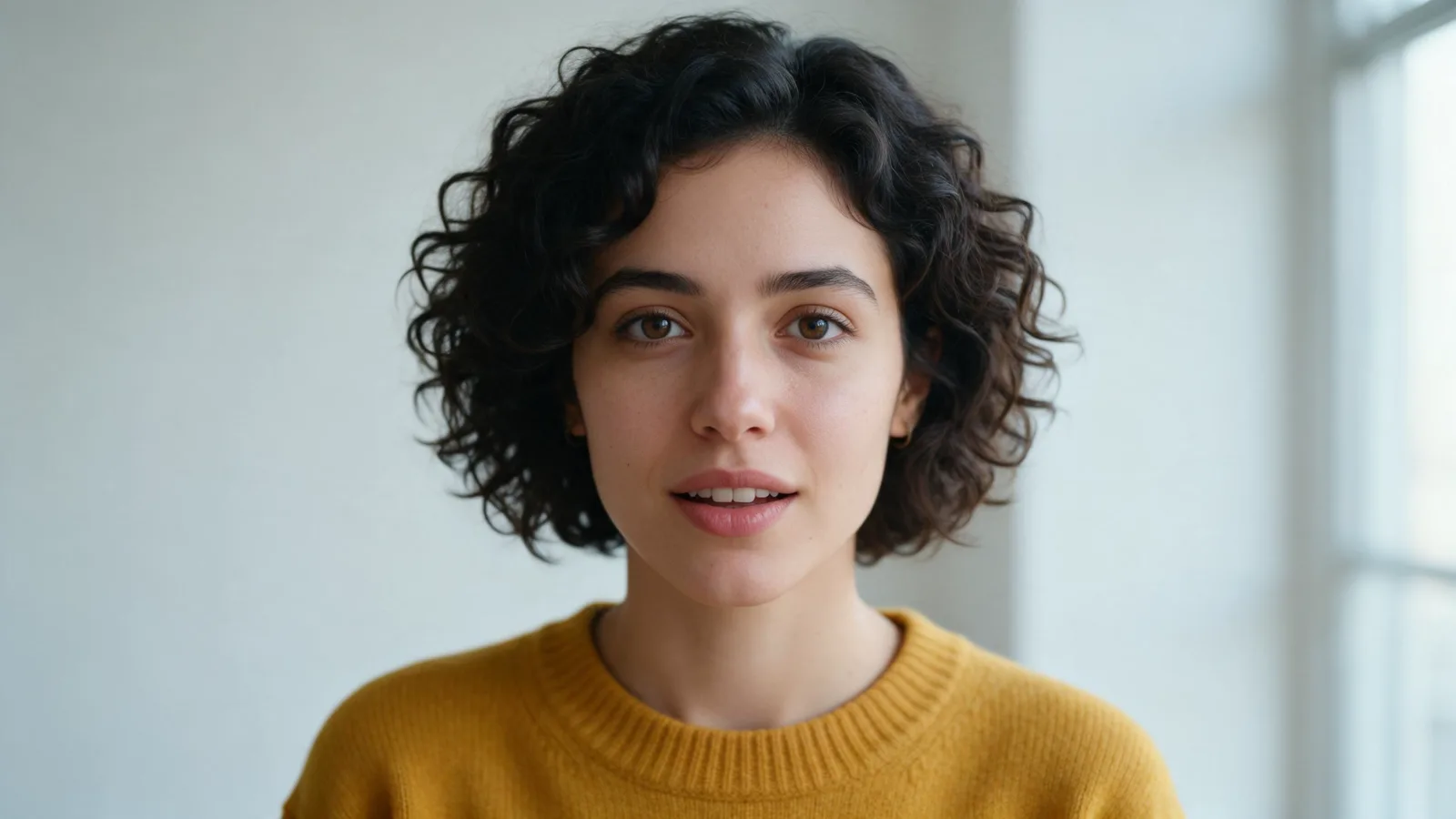
- 2
Open image to video
In the video studio, switch to image to video and upload the photo or pick one from your assets.
- 3
Describe the motion, not the picture
"She turns towards the camera and smiles as the wind moves her hair. Slow push in." The image already shows who she is.
- 4
Keep the move modest
Small, natural motion keeps the subject recognisable. A full 360 spin from one photo asks the model to invent the sides it has never seen.
- 5
Add references for anything exact
Use extra references for a product, a logo or a second person. Up to 9 images fit in one generation.
Motion prompts for photos
Portrait
She looks up from her book and smiles at the camera. Soft window light, slow push in, gentle breeze through the curtains.
Product
The perfume bottle rotates slowly on its base as light sweeps across the glass. Static camera, dark studio background.
Landscape
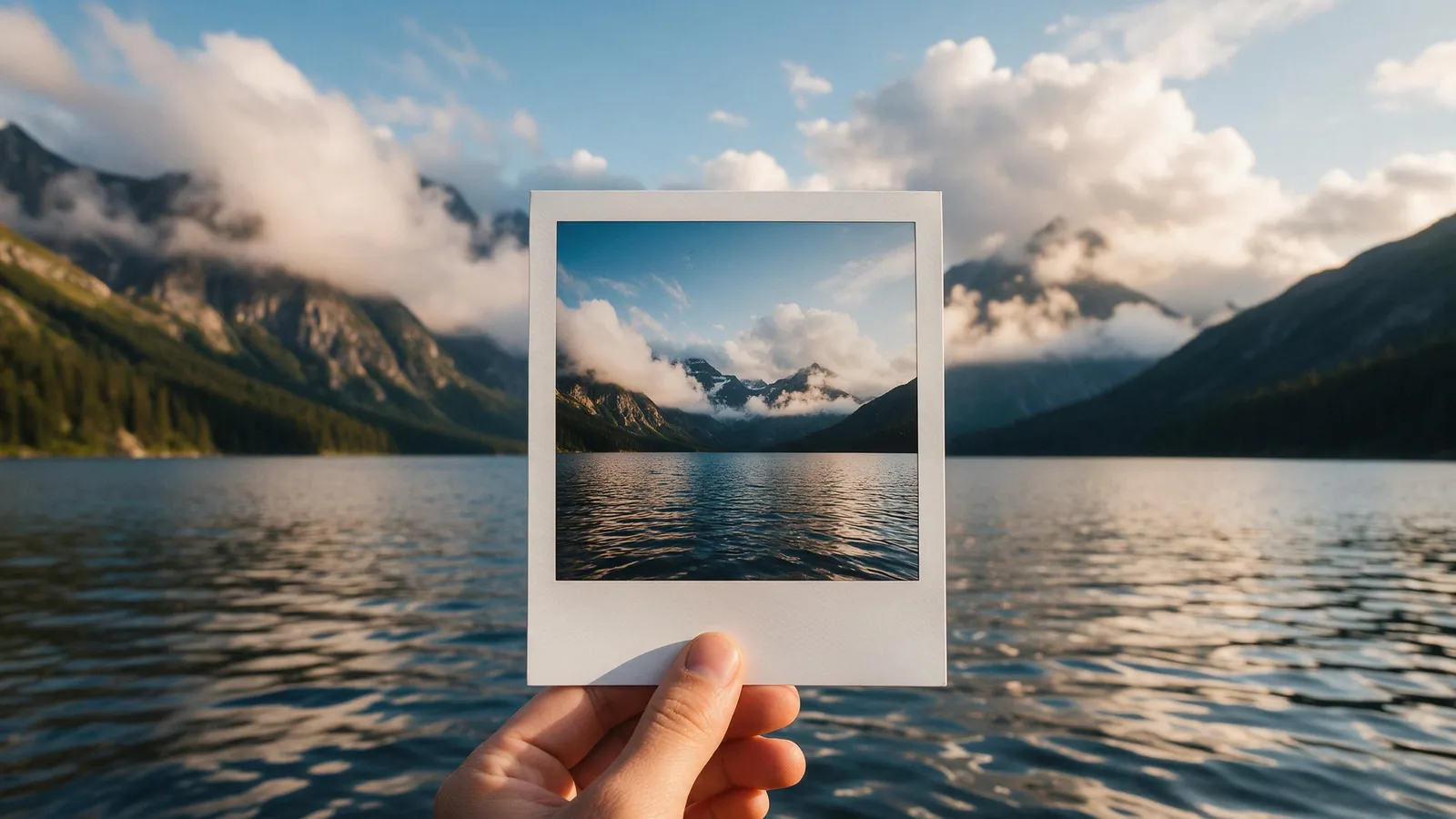
Clouds drift across the mountains and the lake ripples in the wind. Slow pan right.
Food
Steam rises from the bowl of ramen as chopsticks lift a few noodles towards the camera. Close-up, slow push in, warm restaurant light.
Pet
The dog tilts its head, ears perking up, then wags its tail and steps towards the camera. Static camera, soft afternoon light.
Old photo
The couple in the photo turn to each other and smile, the woman's dress moving slightly in the breeze. Gentle film grain, slow push in.
Seedance price per second on KreatorFlow
Seedance 2.0 and 2.5 at 720p and above: price per second on each plan (monthly and annual), credits per 5-second clip, and clips per plan.
| Model · resolution | Credits | Per second | USD per second (monthly) | USD per second (annual) | Creator · 525 credits/mo | Pro · 1,050 credits/mo | Max · 2,500 credits/mo | Business (2 seats) · 4,500 credits/mo |
|---|---|---|---|---|---|---|---|---|
| Seedance 2.0 · 720p | 15/5s | 3/s | $0.119–0.145/s | $0.099–0.121/s | 35 | 70 | 166 | 300 |
| Seedance 2.0 · 1080p | 30/5s | 6/s | $0.238–0.289/s | $0.198–0.241/s | 17 | 35 | 83 | 150 |
| Seedance 2.0 · 4K | 70/5s | 14/s | $0.554–0.675/s | $0.462–0.563/s | Pro and up | 15 | 35 | 64 |
| Seedance 2.5 · 720p | 24/5s | 4.8/s | $0.190–0.231/s | $0.158–0.193/s | 21 | 43 | 104 | 187 |
| Seedance 2.5 · 1080p | 50/5s | 10/s | $0.396–0.482/s | $0.330–0.402/s | 10 | 21 | 50 | 90 |
| Seedance 2.5 · 4K | 120/5s | 24/s | $0.950–1.157/s | $0.792–0.964/s | Pro and up | 8 | 20 | 37 |
Seedance 2.0 and 2.5, 720p and above. Plan columns: 5-second clips a month on the plan's full monthly credits. Longer clips cost the same per second, so a 10-second clip uses twice the credits. Generated audio is included. USD per second: each plan's price over its full monthly credits, lowest to highest plan; monthly is the regular monthly price, annual is the yearly price divided by 12.
Why image to video drifts away from the photo
A photo is one moment from one angle. As soon as the subject moves or the camera travels, the model has to invent what the photo never showed: the side of a face, the back of a product, the room behind the door. The more it has to invent, the more the clip drifts from your original. That is why a modest move holds a likeness and a dramatic one loses it.
The prompt can also pull the clip away. If you re-describe the subject ("a blonde woman in a red dress") and your words do not exactly match the picture, the model tries to satisfy both and the result shifts. Let the picture carry the look and let the prompt carry the motion.
A prompt formula for image to video
Write the motion prompt in three short parts, in this order:
Worked example
He looks up from the laptop and gives a small, confident smile to the camera. Behind him, people walk past the café window and the late afternoon sun flickers through the trees. Slow push in, shallow depth of field.
- Subject action: one thing the subject does. "She turns her head and smiles." "The bottle slowly rotates."
- Environment motion: what else moves. "Hair moves in the wind." "Steam rises." "Waves roll in behind."
- Camera: one plain camera instruction. "Slow push in." "Static camera." "Gentle pan left."
- Optional mood: lighting or atmosphere only if it should change. "Light shifts from blue to golden."
Photo checklist before you upload
Run through this list. Fixing the photo first saves credits on takes that were never going to hold.
- Sharp: no motion blur, not a screenshot of a screenshot, large enough to see skin and fabric detail.
- Even light: no harsh shadow across half the face, no blown-out highlights on the product.
- Clear subject: one main subject, not cut off at the edges of the frame.
- Friendly angle: faces front or three-quarter, products from the side you want people to see.
- Right shape: pick the aspect ratio closest to your photo so the frame does not crop the subject.
- Clean background: clutter behind the subject tends to move and morph. A simpler background stays steadier.
Troubleshooting
The face changes: use a sharper front-facing photo, reduce the movement, or save the person as a character and mention their @handle so the model has a stronger reference.
The product logo warps: keep the product still and move the camera or the light instead, and add a clean product shot as an extra reference.
Nothing moves: the prompt probably describes the picture rather than an action. Add a verb for the subject and one for the environment.
Too much moves: remove extra actions and use "static camera" or "slow push in" instead of big camera moves.
Hands or text look odd: crop or choose a photo where hands are relaxed and text is large, and avoid prompts that make the subject hold or write things.
Which model to use
Seedance 2.0 takes several references at once, so it suits scenes that combine a person, a product and a place. Seedance 1.5 uses a single image as the opening frame, which is useful when the first frame must match your photo exactly; 5 seconds at 720p costs 5 credits.
Photos of real people
Only animate photos you have the rights and consent to use. Photo references are registered in BytePlus's trusted asset library before the render, and the Acceptable Use Policy applies to every generation.
Templates for this guide
Each template has its own page with a preview, the credit cost and a link to the studio.
- Product RevealA short cinematic reveal with a smooth camera move and premium lighting for ads and storefronts.
- UGC HookA vertical, social-first UGC opener with handheld movement and the product clearly in frame.
- Dolly Zoom VertigoThe Vertigo effect: the subject stays the same size while the background stretches away behind them.
- Multi Angle ShotOne action shown from three angles with hard cuts: a wide shot, an extreme close-up and a reverse angle.
Frequently asked questions
Why does the face change during the clip?
Usually because the photo is small, blurred or at a steep angle, or because the prompt asks for a big movement. Use a clearer photo, a smaller move, or save the person as a character.
Can I animate an image I made with AI?
Yes. Images from the image studio (2 credits each with Seedream 4.5) can go straight into image to video.
How much does it cost?
A 5-second Seedance 2.0 clip costs 15 credits at 720p or 30 at 1080p. Seedance 2.0 Fast costs 12 credits for 5 seconds at 720p. The studio shows the exact cost before you generate.
How do I animate a photo with AI?
Open the video studio, switch to image to video, upload the photo and write what should move and how the camera behaves. Keep the motion small for the most faithful result, then generate.
Should I describe the person in the photo in my prompt?
No, or only very briefly. The photo already shows what they look like. A long description that does not match the picture exactly can pull the clip away from it. Spend the words on the motion instead.
Can I animate several photos into one video?
Yes, two ways. Use up to 9 images as references in one Seedance 2.0 generation, for example a person, a product and a place, or animate each photo as its own clip and join them in an editor.
What aspect ratio should I pick?
The one closest to your photo, so nothing important is cropped. Seedance 2.0 supports 16:9, 4:3, 1:1, 3:4, 9:16, 21:9.