

Try this in the studio
How to make the shot
- 1
Pick the structure
Tall, textured structures work best: glass towers, cliffs, stadiums, cathedrals. The camera needs something to dive along.
- 2
Name the gap
FPV shots feel fast because the camera threads through something: between two towers, under a bridge, through an arch. Say what it is.
- 3
Set the light
Hard, low light gives the shot energy: sunset, sunrise, or a stormy sky with breaks in the cloud. Lens flare on the turns comes with the template's look.
- 4
Generate
The default 8-second 1080p render costs 50 credits (26 at 720p), including the template fee, and the studio shows the cost before you generate.
FPV prompt ideas
City
Dive down the side of a glass skyscraper at sunset, bank between two towers and skim low over a plaza full of people.
Nature
Dive down a sea cliff in Ireland, bank through a rock arch and glide low over the waves as they break.
Venue
Dive from above a floodlit football stadium at night, bank through the gap in the roof and skim over the pitch.
Template example
Dive down the side of a glass skyscraper at sunset, bank between two towers and skim over the plaza.
Seedance price per second on KreatorFlow
Seedance 2.0 and 2.5 at 720p and above: price per second on each plan (monthly and annual), credits per 5-second clip, and clips per plan.
| Model · resolution | Credits | Per second | USD per second (monthly) | USD per second (annual) | Creator · 525 credits/mo | Pro · 1,050 credits/mo | Max · 2,500 credits/mo | Business (2 seats) · 4,500 credits/mo |
|---|---|---|---|---|---|---|---|---|
| Seedance 2.0 · 720p | 15/5s | 3/s | $0.119–0.145/s | $0.099–0.121/s | 35 | 70 | 166 | 300 |
| Seedance 2.0 · 1080p | 30/5s | 6/s | $0.238–0.289/s | $0.198–0.241/s | 17 | 35 | 83 | 150 |
| Seedance 2.0 · 4K | 70/5s | 14/s | $0.554–0.675/s | $0.462–0.563/s | Pro and up | 15 | 35 | 64 |
| Seedance 2.5 · 720p | 24/5s | 4.8/s | $0.190–0.231/s | $0.158–0.193/s | 21 | 43 | 104 | 187 |
| Seedance 2.5 · 1080p | 50/5s | 10/s | $0.396–0.482/s | $0.330–0.402/s | 10 | 21 | 50 | 90 |
| Seedance 2.5 · 4K | 120/5s | 24/s | $0.950–1.157/s | $0.792–0.964/s | Pro and up | 8 | 20 | 37 |
Seedance 2.0 and 2.5, 720p and above. Plan columns: 5-second clips a month on the plan's full monthly credits. Longer clips cost the same per second, so a 10-second clip uses twice the credits. Generated audio is included. USD per second: each plan's price over its full monthly credits, lowest to highest plan; monthly is the regular monthly price, annual is the yearly price divided by 12.
What makes a shot read as FPV
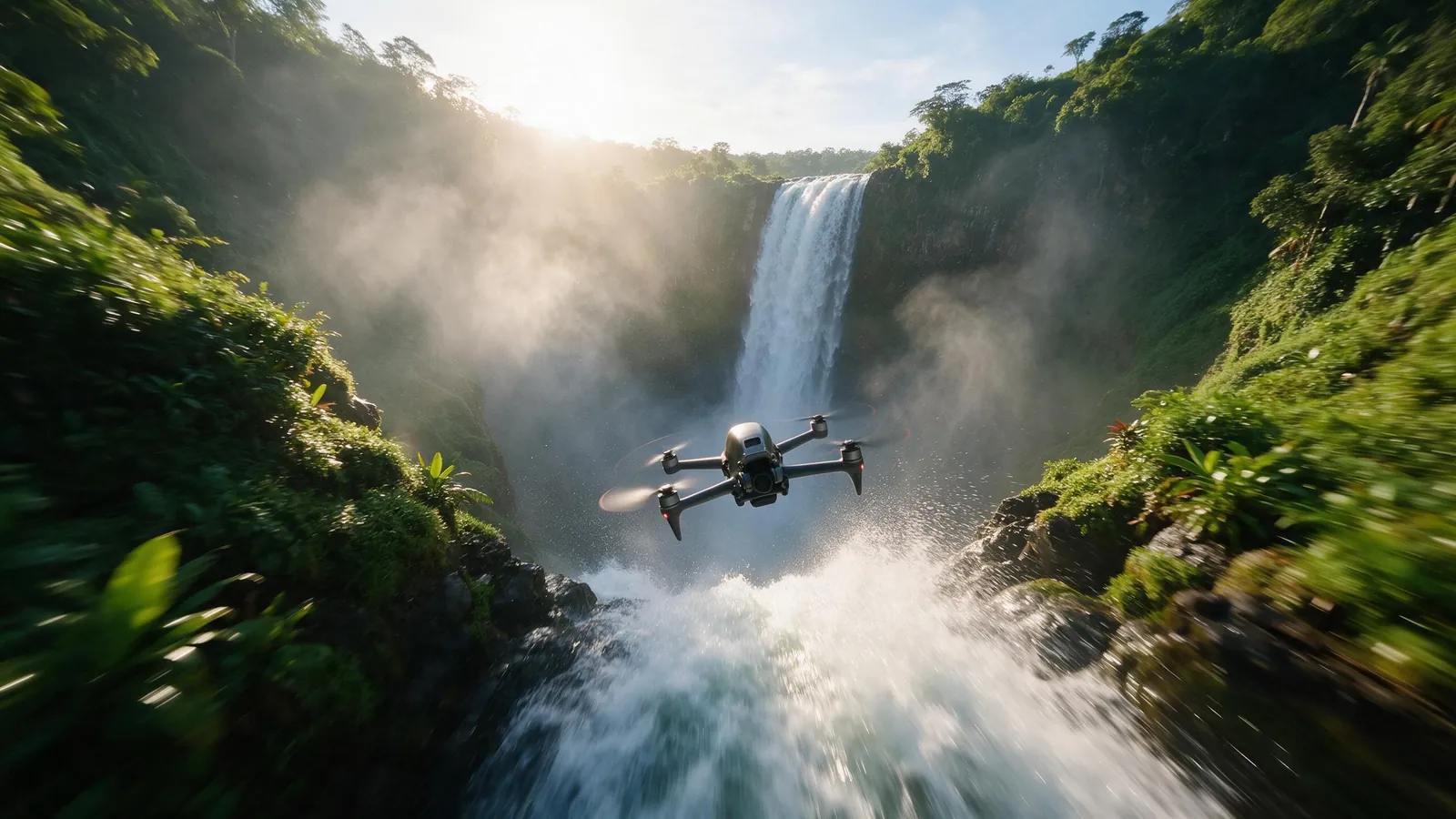
An FPV (first-person view) drone is a small racing drone flown through goggles. Its footage looks different from a normal camera drone for three reasons: it moves fast, it banks into turns like a plane instead of sliding sideways, and it flies close to things. A slow, level drift over a city reads as an ordinary aerial; a dive that rolls through a gap and skims the ground reads as FPV.
So the prompt has to give the camera a path, not just a view. Name where it starts (high above, or at the top of a building), what it passes through or around, and where it ends (low over water, a street, a pitch). That start, gap and finish structure is what the FPV Drone template is built around.
Writing an FPV prompt without the template
You can describe the move yourself in the video studio: "FPV drone shot, fast dive down the building, sharp banked turn, low glide over the ground, wide fisheye lens, motion blur". The template is quicker because its camera recipe is already tested.
Writing it yourself makes sense when you want a path the template does not cover, such as a slow FPV orbit around a statue or a long chase behind a car. Keep the whole flight to one continuous move: in a 4 to 15 second clip, a dive plus one turn plus a glide is about as much as reads clearly.
Real FPV flying near buildings and crowds is restricted in many places. Generating the shot avoids permits and pilots; label realistic AI footage where the platform asks you to.
Full FPV prompt (no template)
FPV drone shot. The camera starts high above a coastal town at golden hour, dives steeply down past a white church tower, banks hard left between two rows of houses and skims low along a narrow cobbled street towards the harbour, ending just above the water as boats bob in the light. Wide fisheye lens, strong motion blur on the turn, warm low sun with lens flare.
Camera words that work in FPV prompts
The model understands plain flying language. These words change the shot in predictable ways:
- Dive or plunge: a steep drop down the side of something tall.
- Bank or roll: the horizon tilts as the camera turns, the signature FPV feel.
- Thread, weave or fly through: passing through a gap, arch, window or between objects.
- Skim or glide low: a fast pass just above the ground or water at the end of the shot.
- Fisheye or wide lens: the curved, wide look of FPV cameras.
- Motion blur: sells the speed, especially on the turn.
- Chase or follow: the camera tails a moving subject such as a car, surfer or mountain biker.
Where FPV shots work best
Real estate and venues: a fast dive from the skyline to the front door gives a listing or a hotel a premium opener. Pair it with the Through the Window Drone template for the move from outside to inside.
Travel and tourism: cliffs, coastlines, old towns and mountain lakes all have the depth and texture that FPV needs.
Sport and events: stadiums, race tracks and skate parks suit a dive that ends low over the action.
Openers and transitions: a two or three second slice of an FPV dive makes a strong first beat for a Reel or a YouTube intro, then cut to your main content.
Common mistakes and how to fix them
Most weak FPV results come from the same few prompt problems:
- Nothing to fly past: an open field or empty sky gives the camera no sense of speed. Add a structure, a gap or terrain close to the lens.
- Too many moves: three dives and four turns in one clip turn into a blur. Keep one dive, one turn and one glide.
- Flat light: midday sun or an overcast sky makes the shot look like stock footage. Ask for sunrise, sunset, storm light or night with lit windows.
- Vague places: "a city" gives a generic city. "Glass towers in a financial district at dusk" gives the model something to build.
- Crowds in close-up: people at the end of the glide can look odd at speed. Keep them small in the frame, or end the shot over water or empty ground.
Templates for this guide
Each template has its own page with a preview, the credit cost and a link to the studio.
- FPV DroneAn aggressive FPV dive down the side of a building, banking through a gap and pulling up into a low glide.
- Through The Window DroneA drone glide that flies through a window or doorway and continues into the space inside.
- Crane Down Sky RevealThe camera descends from high above, through a layer of cloud or canopy, to reveal your subject at ground level.
- Spiral AscendThe camera orbits your subject while rising, finishing directly overhead in a bird's-eye view.
Frequently asked questions
Which template is best for real estate?
FPV Drone for exteriors and landmarks, and Through the Window Drone for a shot that flies from outside into a room. Through the Window Drone costs 62 credits by default.
Can I use my own building?
Yes. Add a clear photo of it as a reference and describe it in the prompt.
How do I make an FPV drone video without a drone?
Open the FPV Drone template in the video studio, describe the place, the gap the camera flies through and the light, and generate. You get a drone-style clip without a drone, a pilot or a flight permit.
Can I make a vertical FPV video for TikTok or Reels?
Yes. Pick 9:16 in the studio before you generate. Seedance 2.0 supports 16:9, 4:3, 1:1, 3:4, 9:16, 21:9. Tall subjects such as towers and cliffs suit a vertical frame especially well.
Why does my FPV shot look slow?
Usually because nothing is close to the camera. Speed comes from things rushing past: add a gap to fly through, a wall to dive along or ground to skim, and ask for motion blur on the turn.
Can I put a person or car in the shot?
Yes. Describe them as the subject the camera chases, or save a person as a character and mention their @handle. Keep them in one clear action, such as a surfer riding a wave or a car on a mountain road.
How many credits does the FPV Drone template cost?
50 credits for the default 8-second 1080p render, or 26 credits at 720p. That includes the 2-credit template fee. The studio shows the exact cost before you generate, and higher resolutions cost more.