

Get started
Made with this guide
A new clip generated from this guide's prompt, unedited.
Prompt
A young woman stands alone in the middle of a long, empty hospital corridor at night, flickering fluorescent lights receding behind her. She freezes as she realises she is not alone, her eyes widening slightly. Dolly zoom: she stays the same size while the corridor stretches away behind her. Cold blue-green light, cinematic, shallow depth of field.
How to make each shot
- 1
Dolly zoom: pick a deep setting
The stretch only shows when there is depth behind the subject: a hallway, a road to the horizon, a row of columns.
- 2
Dolly zoom: keep the subject still
A small change of expression, like a realisation dawning, is enough. Big movement fights the effect.
- 3
Bullet time: describe the frozen pose
Say exactly what the subject is doing when time stops: mid-leap, mid-punch, hair flying.
- 4
Bullet time: fill the air
Raindrops, sparks, dust, petals or confetti hanging in the air are what make the orbit feel frozen.
- 5
Generate and compare takes
Each render is a new take. If the stretch or the orbit is weak, adjust one thing in the prompt (more depth, a stiller subject, more particles) and generate again rather than rewriting everything.
Prompt ideas
Dolly zoom
A young woman in a red coat at the end of a long hotel corridor, realising she is not alone.
Dolly zoom
A detective at the end of a rain-soaked alley at night, realising the footsteps behind him have stopped.
Bullet time
A dancer frozen mid-leap on a rain-soaked street at night, raindrops hanging in the air.
Bullet time
A skateboarder frozen mid-kickflip over a stair set, sparks and dust hanging in the air, late afternoon sun.
Seedance price per second on KreatorFlow
Seedance 2.0 and 2.5 at 720p and above: price per second on each plan (monthly and annual), credits per 5-second clip, and clips per plan.
| Model · resolution | Credits | Per second | USD per second (monthly) | USD per second (annual) | Creator · 525 credits/mo | Pro · 1,050 credits/mo | Max · 2,500 credits/mo | Business (2 seats) · 4,500 credits/mo |
|---|---|---|---|---|---|---|---|---|
| Seedance 2.0 · 720p | 15/5s | 3/s | $0.119–0.145/s | $0.099–0.121/s | 35 | 70 | 166 | 300 |
| Seedance 2.0 · 1080p | 30/5s | 6/s | $0.238–0.289/s | $0.198–0.241/s | 17 | 35 | 83 | 150 |
| Seedance 2.0 · 4K | 70/5s | 14/s | $0.554–0.675/s | $0.462–0.563/s | Pro and up | 15 | 35 | 64 |
| Seedance 2.5 · 720p | 24/5s | 4.8/s | $0.190–0.231/s | $0.158–0.193/s | 21 | 43 | 104 | 187 |
| Seedance 2.5 · 1080p | 50/5s | 10/s | $0.396–0.482/s | $0.330–0.402/s | 10 | 21 | 50 | 90 |
| Seedance 2.5 · 4K | 120/5s | 24/s | $0.950–1.157/s | $0.792–0.964/s | Pro and up | 8 | 20 | 37 |
Seedance 2.0 and 2.5, 720p and above. Plan columns: 5-second clips a month on the plan's full monthly credits. Longer clips cost the same per second, so a 10-second clip uses twice the credits. Generated audio is included. USD per second: each plan's price over its full monthly credits, lowest to highest plan; monthly is the regular monthly price, annual is the yearly price divided by 12.
Which one to use
Use the dolly zoom for an emotional beat: shock, realisation, dread. It works in short films, trailers and horror openers.
Use bullet time for an action or hero moment: sport, dance, fashion, or a product with particles frozen around it.
How a dolly zoom works
On a film set, a dolly zoom is made by moving the camera towards or away from the subject while zooming the lens the opposite way. The subject stays the same size in frame, but the background seems to rush forward or fall away. Alfred Hitchcock made it famous in Vertigo, and it has been used ever since for the moment a character realises something terrible.
AI video gets the same effect without a dolly track or a zoom lens, but it still needs what the real shot needs: a subject in the middle of the frame, a clear background at a distance, and lines that lead to the horizon so the stretch is visible. Corridors, roads, railway tracks, rows of columns and long bridges all work. A subject against a plain wall gives the model nothing to stretch.
Full dolly zoom prompt
A young woman stands alone in the middle of a long, empty hospital corridor at night, flickering fluorescent lights receding behind her. She freezes as she realises she is not alone, her eyes widening slightly. Dolly zoom: she stays the same size while the corridor stretches away behind her. Cold blue-green light, cinematic, shallow depth of field.
How bullet time works
Bullet time was first made with a ring of still cameras firing at once around an actor, then stitching the frames into one move. The result is a moment frozen in time while the viewer circles it. The Matrix made it famous, and it is now everywhere in sport, music videos and ads.
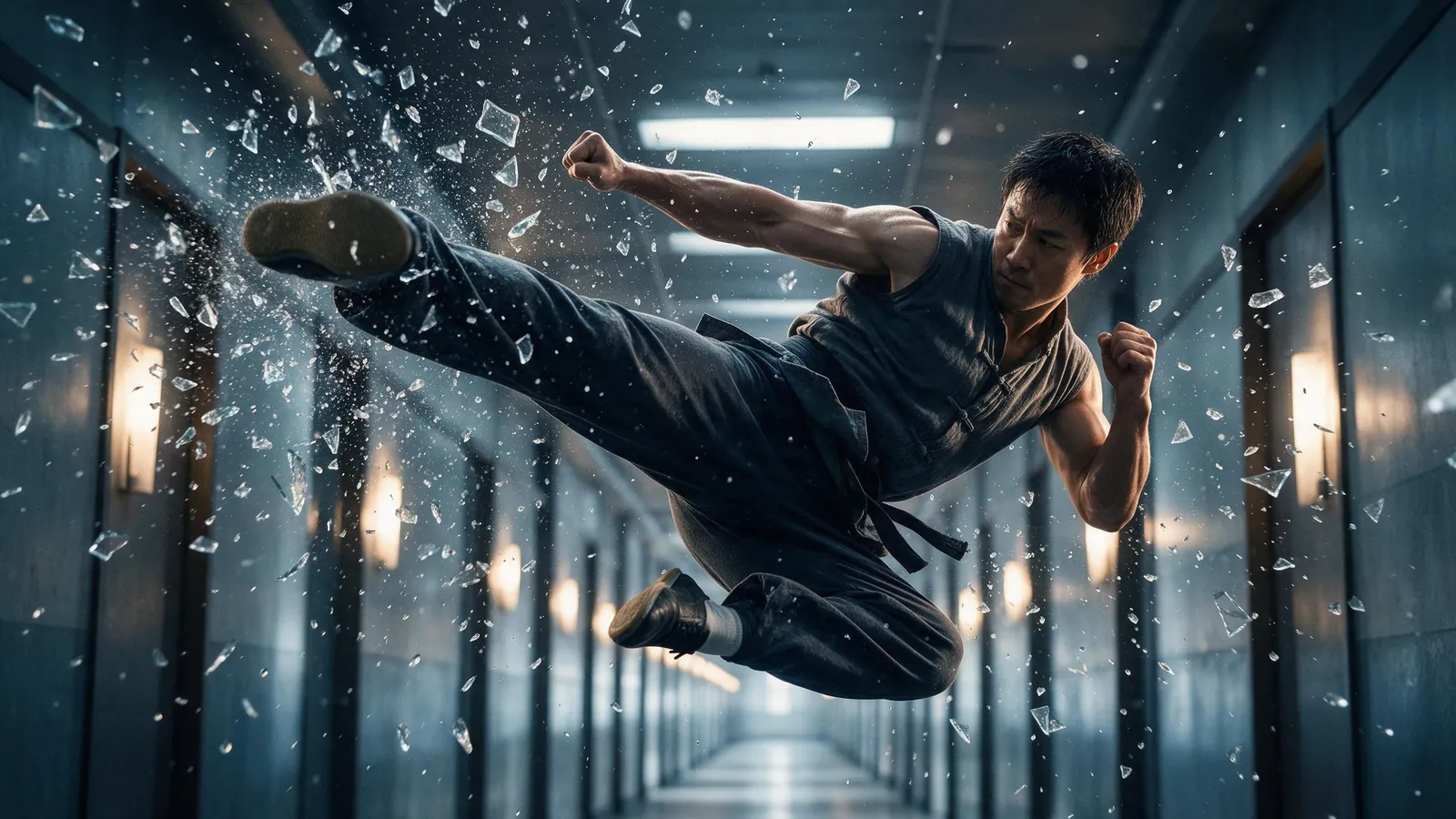
The AI version works best when the frozen moment is easy to read from every side: one subject, one strong pose, and something in the air that proves time has stopped. Water droplets, shattered glass, sand, sparks, feathers and hair all catch the light as the camera orbits.
Full bullet time prompt
A dancer frozen mid-leap above a wet city street at night, her coat flaring out, hundreds of raindrops hanging motionless in the air around her and catching the neon light. Bullet time: the camera orbits 360 degrees around her while she stays frozen. Cinematic, high contrast, reflections on the wet ground.
Shot ideas by use
Both effects are strongest as a single beat inside a longer edit. Some ideas:
- Horror or thriller opener: a dolly zoom on a character at the end of a dark hallway, cut right after the stretch.
- Trailer reveal: a dolly zoom as a hero sees the threat for the first time.
- Sports highlight: bullet time on a goalkeeper mid-dive with turf and water in the air.
- Fashion and beauty: bullet time on a model mid-turn with fabric and hair frozen.
- Product ad: bullet time around a drink can or sneaker with droplets or dust suspended around it.
- Music video: bullet time on the drop, dolly zoom on the quiet moment before it.
Common mistakes
Most weak results come from one of these:
- Dolly zoom with no depth: a close-up against a wall shows no stretch. Put a long space behind the subject.
- Dolly zoom with a moving subject: walking, turning or gesturing hides the effect. Keep the subject still and let the face do the acting.
- Bullet time with an unclear pose: a subject standing still just looks like an orbit. Freeze them mid-action.
- Bullet time with empty air: without particles, it can read as a normal orbit shot. Add rain, dust, sparks or petals.
- Too much in one clip: asking for a dolly zoom and a bullet time in the same generation weakens both. Make two clips and cut them together.
Templates for this guide
Each template has its own page with a preview, the credit cost and a link to the studio.
- Dolly Zoom VertigoThe Vertigo effect: the subject stays the same size while the background stretches away behind them.
- Bullet Time 360 OrbitA frozen moment with the camera orbiting 360 degrees around your subject, particles hanging in the air.
- Worms Eye Hero RevealAn extreme low angle from the ground that makes your subject tower over the camera, backlit against the sky.
- Multi Angle ShotOne action shown from three angles with hard cuts: a wide shot, an extreme close-up and a reverse angle.
Frequently asked questions
Why does the background stretch in a dolly zoom?
The camera moves away from the subject while the lens zooms in. The two moves cancel out for the subject, so it stays the same size, but the background changes perspective and appears to grow or stretch behind them.
What is the Vertigo effect?
It is another name for the dolly zoom, after Alfred Hitchcock's film Vertigo. The subject stays the same size while the background appears to stretch or shrink, which feels like a sudden shock or wave of dizziness.
Can I make bullet time from my own photo?
Yes. Add the photo as a reference, or save the person as a character, and describe the frozen pose. Keep the pose close to what the photo shows so the model has less to invent as the camera circles.
Can I make these shots vertical for TikTok and Reels?
Yes. Choose 9:16 in the studio before you generate. Seedance 2.0 supports 16:9, 4:3, 1:1, 3:4, 9:16, 21:9. A vertical dolly zoom works well with tall spaces such as stairwells and narrow streets.
How long should a dolly zoom or bullet time clip be?
Clips run 4 to 15 seconds. Both effects are a single beat, so a short clip is usually enough. Longer clips give you more room to trim in an edit.
Can I put my own character in these shots?
Yes. Save the person as a character first, then mention their @handle or add them as a reference.
Do I need a subscription?
It depends on the template's model and resolution. Free video covers Seedance 2 Fast and Seedance 2.0 Mini at 720p only, queued and rate limited. Other video models and 1080p and above need a plan. New accounts get 25 starter credits for images and video.